Installation on Mac
This tutorial walks you through installing L5 with the Love (Love2d) framework on your Macintosh computer.
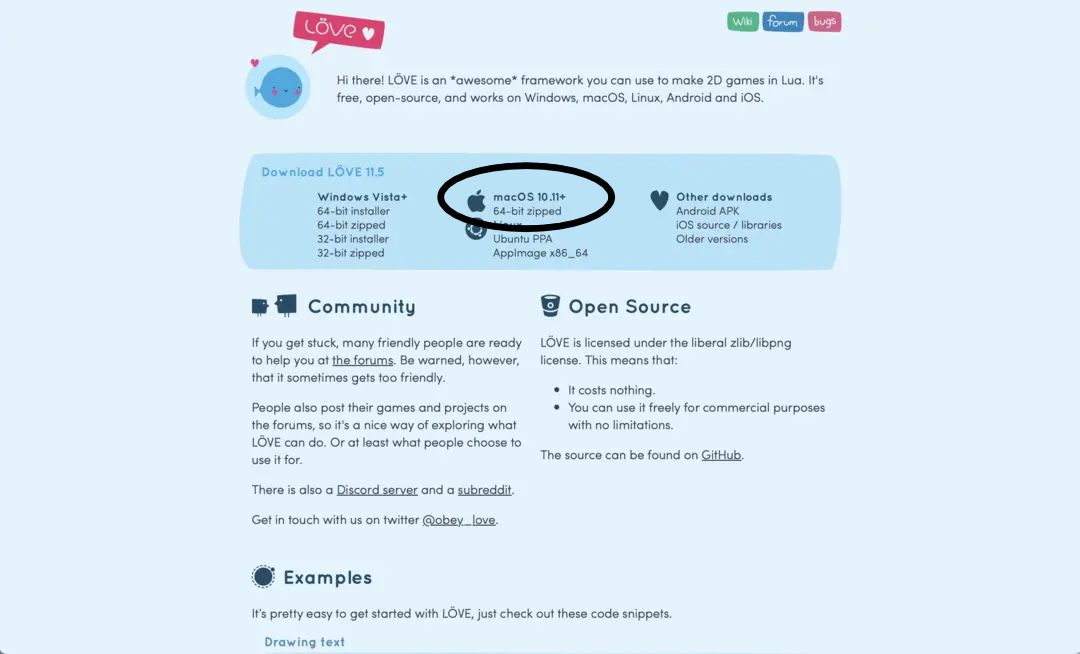
- Go to the Love website and click to download the 64-bit zipped Mac program.
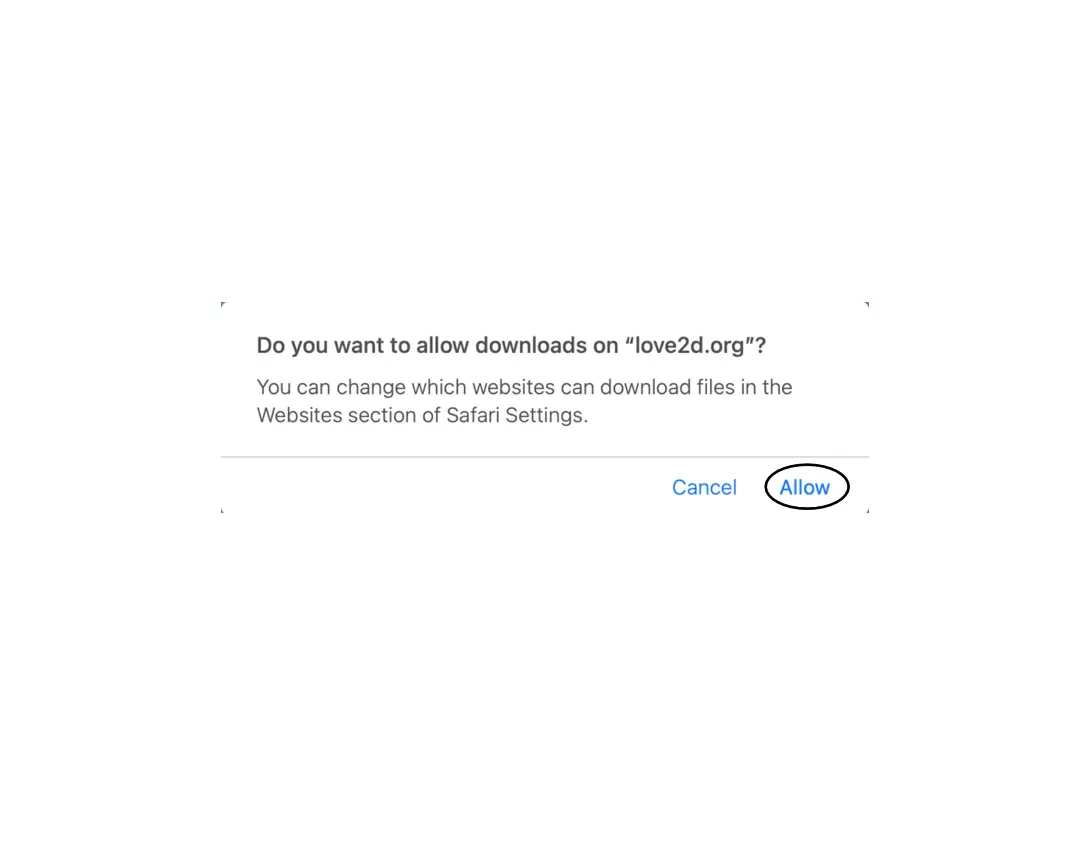
- Click "Allow" when it asks 'Do you want to allow downloads on "love2d.org"?' It will download to your Downloads folder by default.
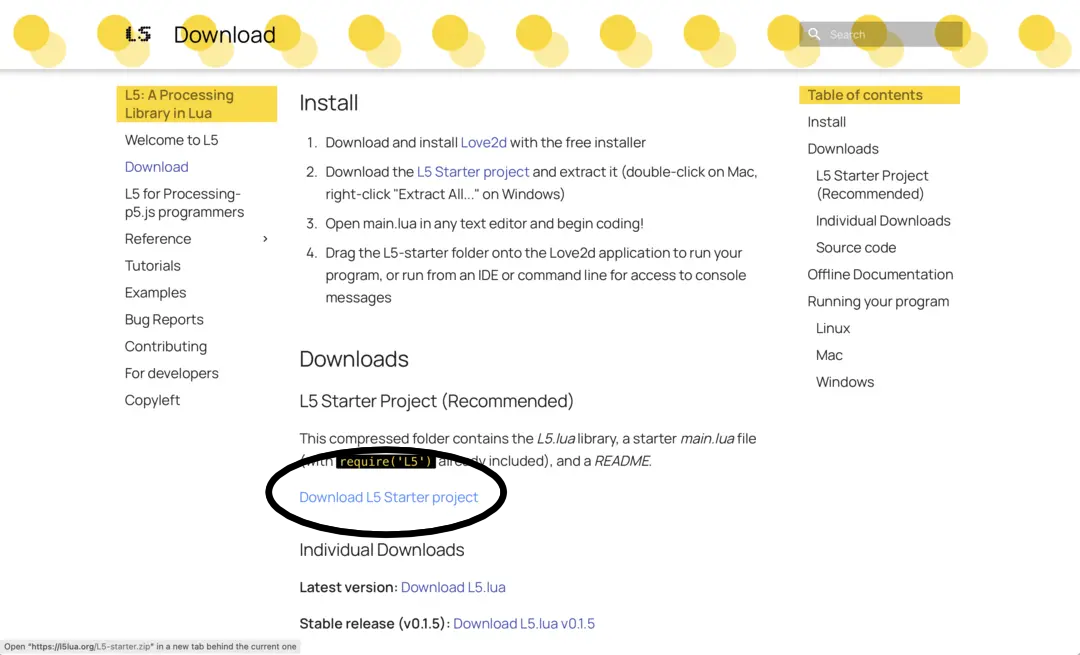
- From the L5lua.org Download page, download the L5 Starter project.
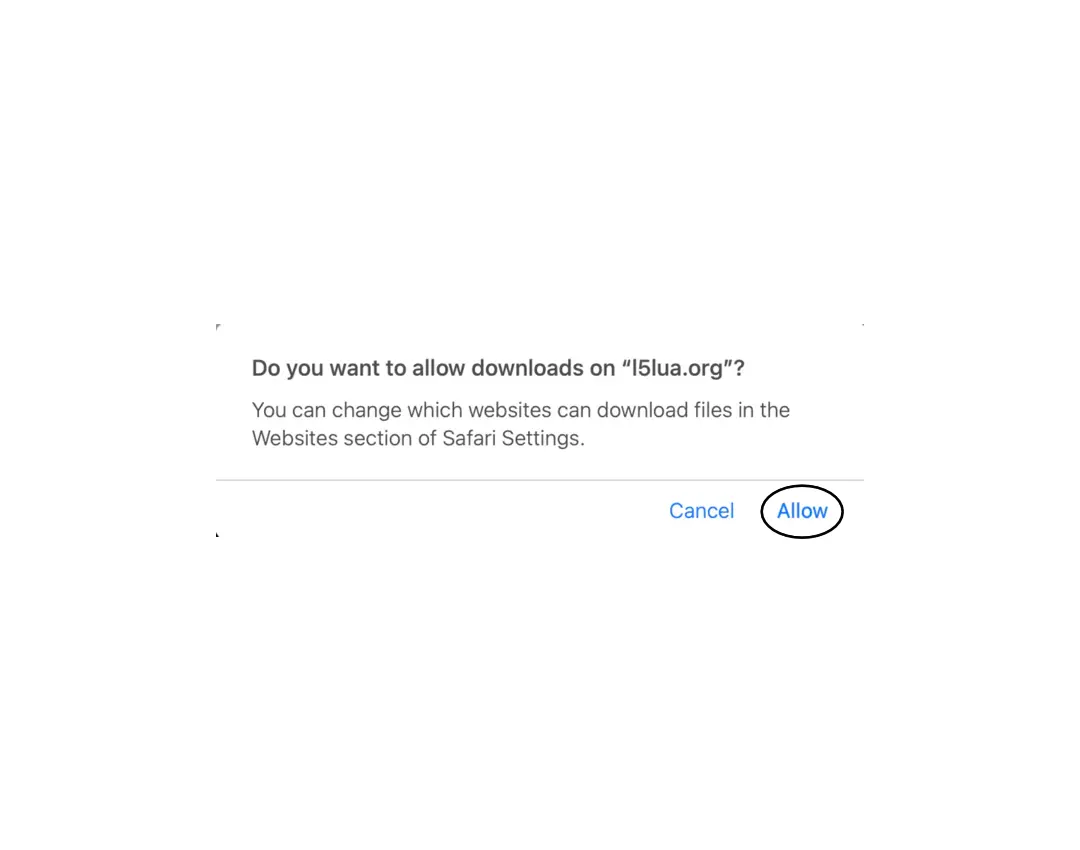
- Click "Allow" when it asks 'Do you want to allow downloads on "l5lua.org"?'
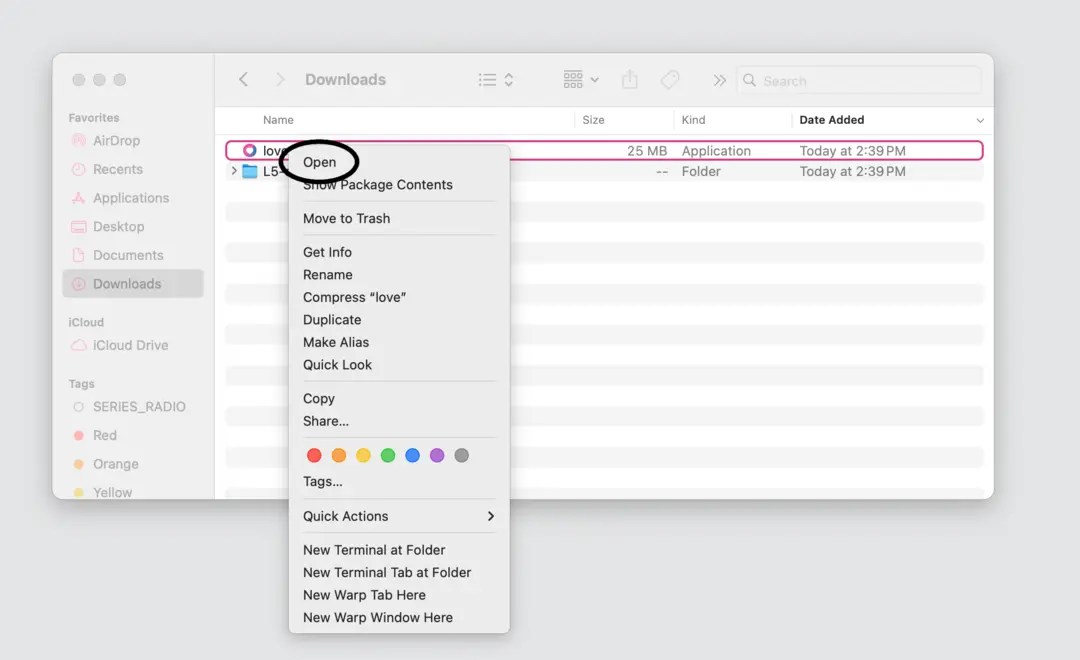
- Return to your Downloads folder on your computer. Right click with two fingers on the Love application icon. Choose "Open".
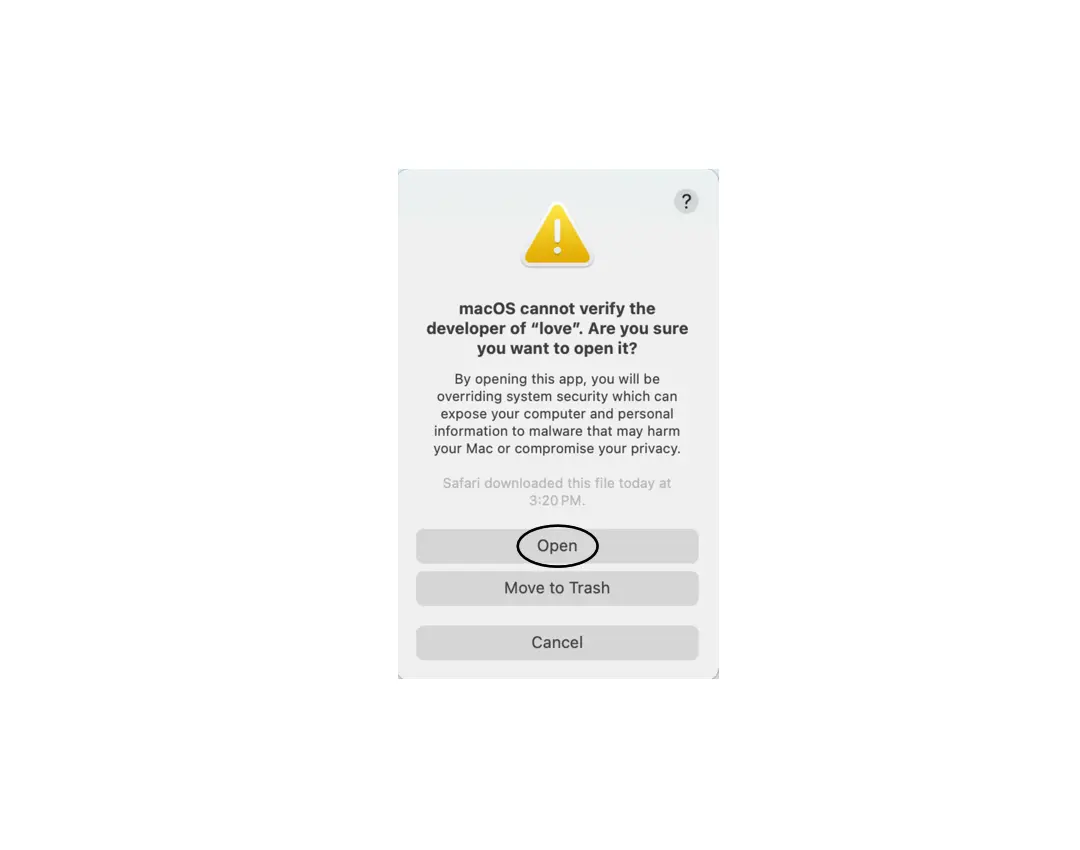
- A warning popup box opens with the title 'macOS cannot verify the developer of "love". Are you sure you want to open it?'. Click Open.
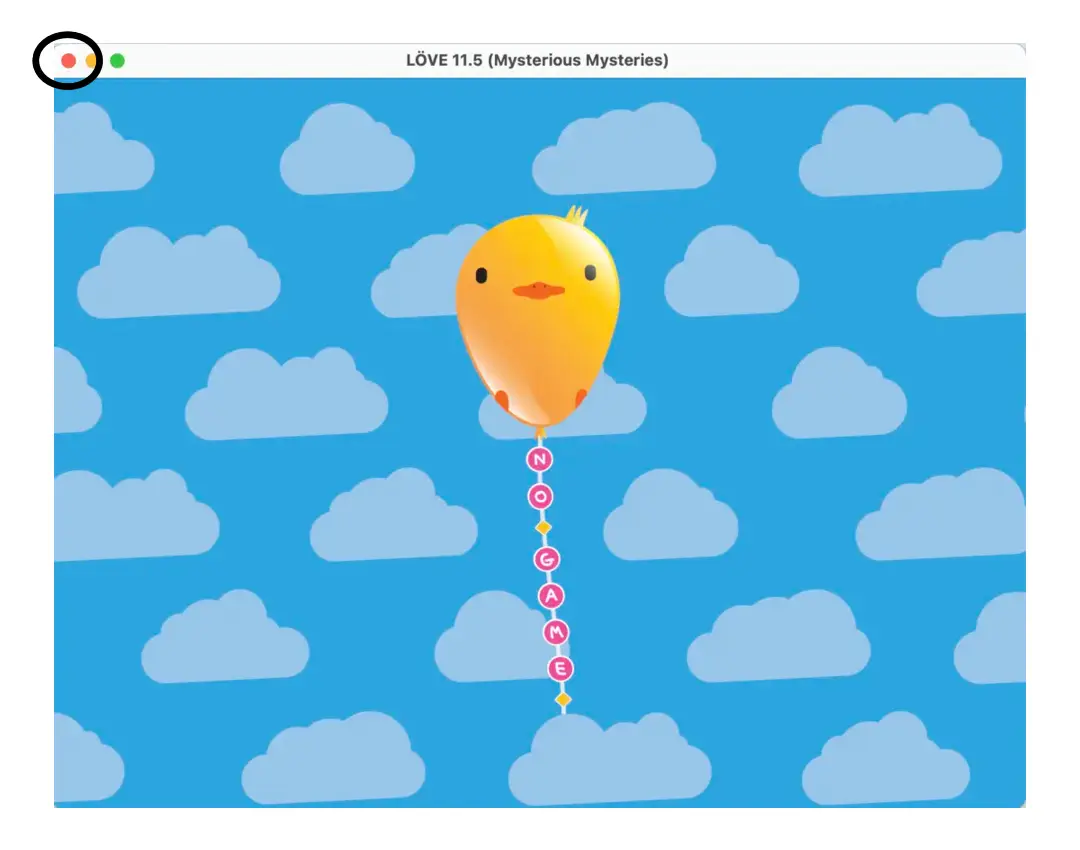
- You should see a window open with a flying bird-shaped balloon and clouds, verifying that Love is now properly installed on your computer. At this point you can close the window.
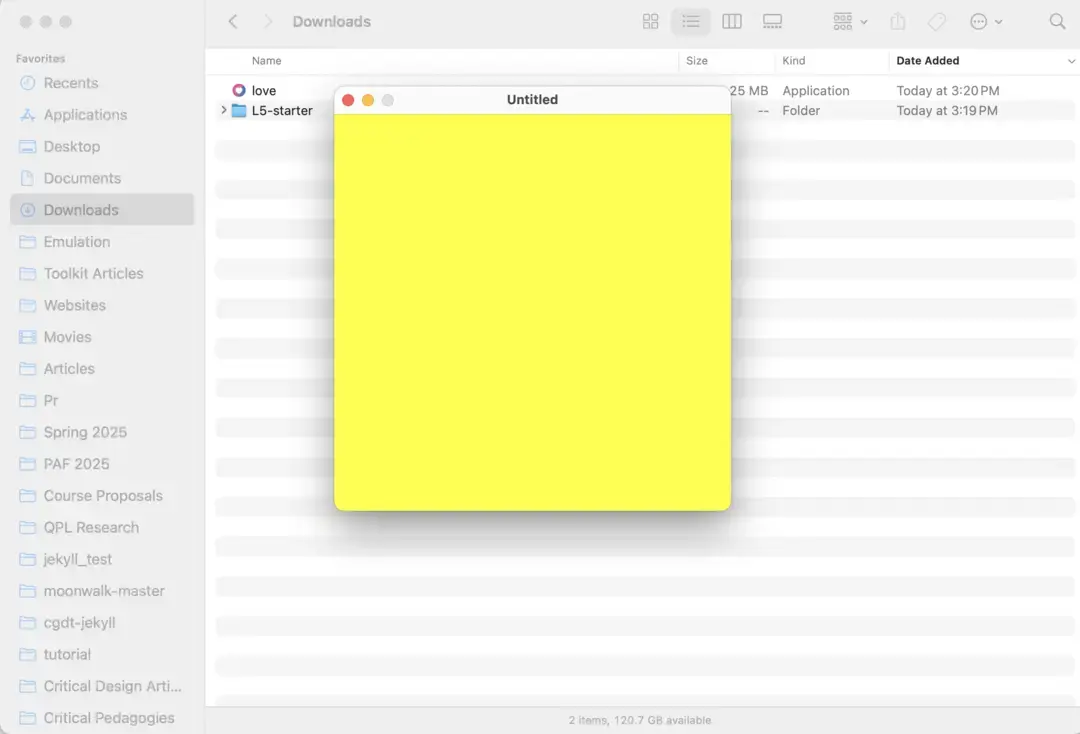
- Back in your downloads folder, drag the L5-starter folder onto the Love application in the folder. It should now launch and you should see a new window open with your code sketch.
Next steps: You've installed Love and have L5 on your computer and verified you can run your own programs. Check out Getting Started or the tutorials to learn more.