Installation on Mac
This tutorial walks you through installing L5 with the Love (Love2d) framework on your Macintosh computer.
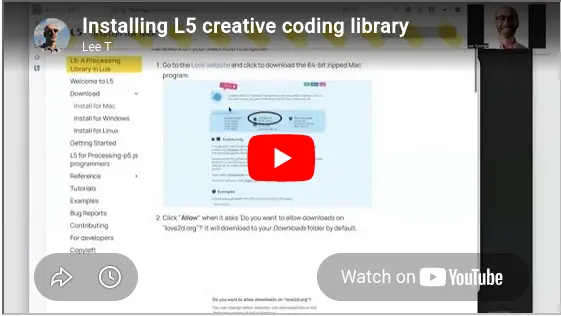
Video Tutorial
Text and Screenshot Tutorial
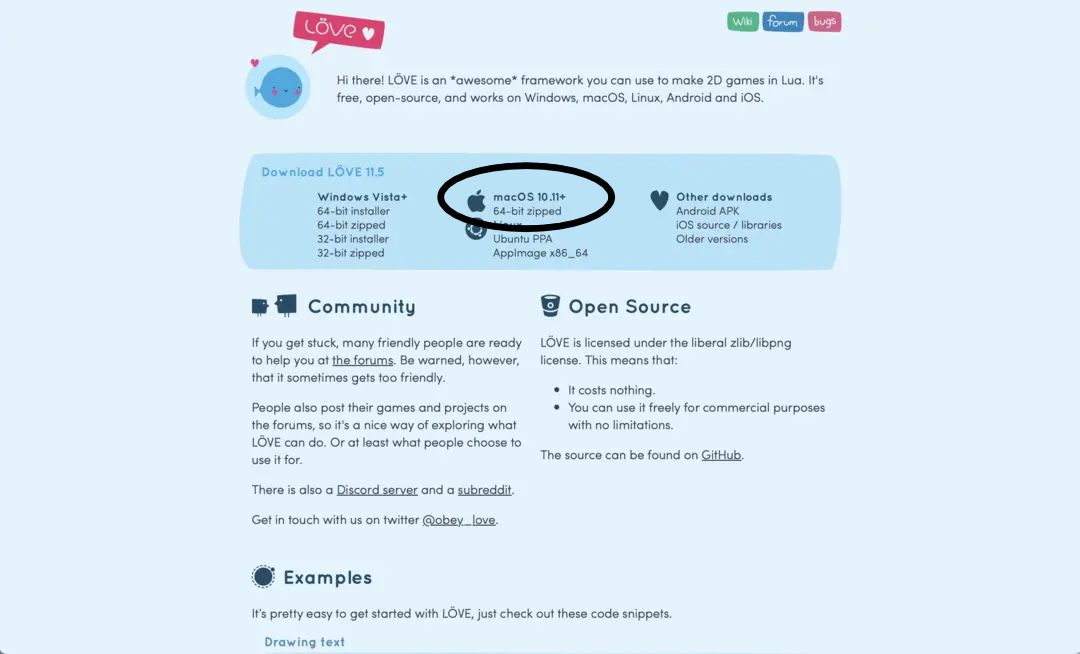
- Love is the underlying Framework that will allow L5 code to run on your computer. Go to the Love website and click to download the 64-bit zipped Mac program.
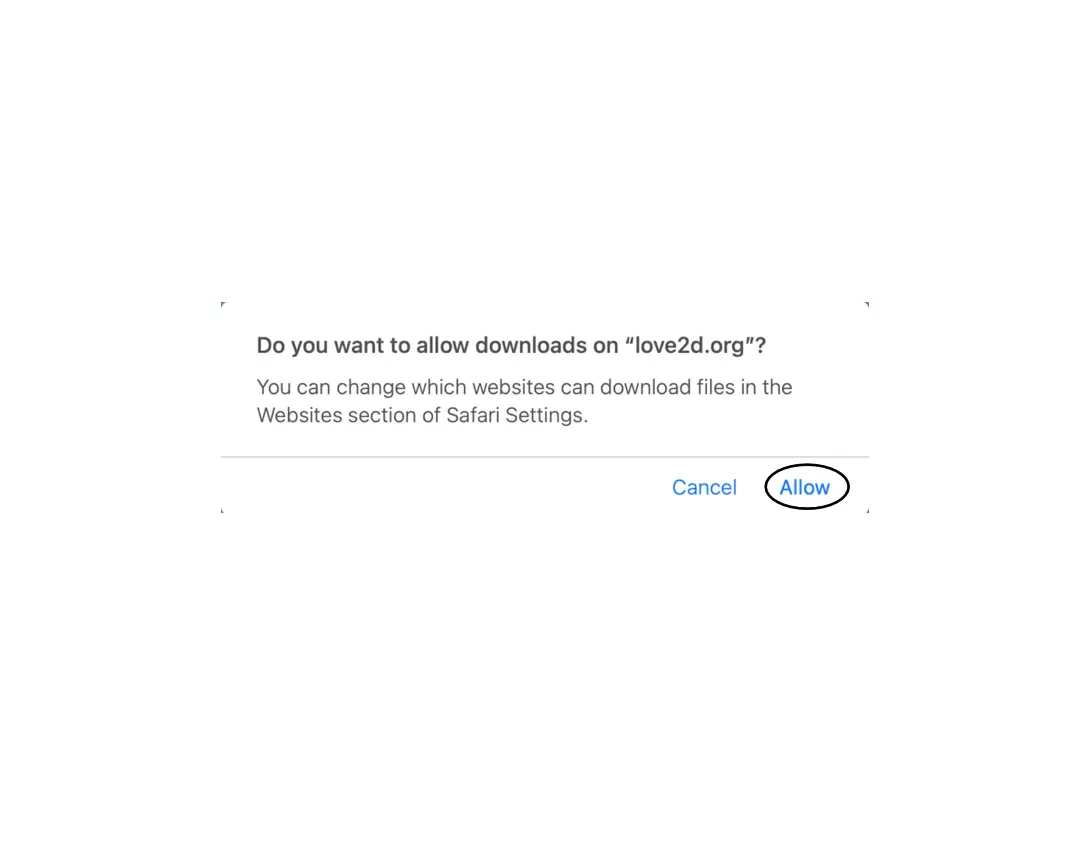
- Click "Allow" if it asks 'Do you want to allow downloads on "love2d.org"?' It should download to your Downloads folder by default.
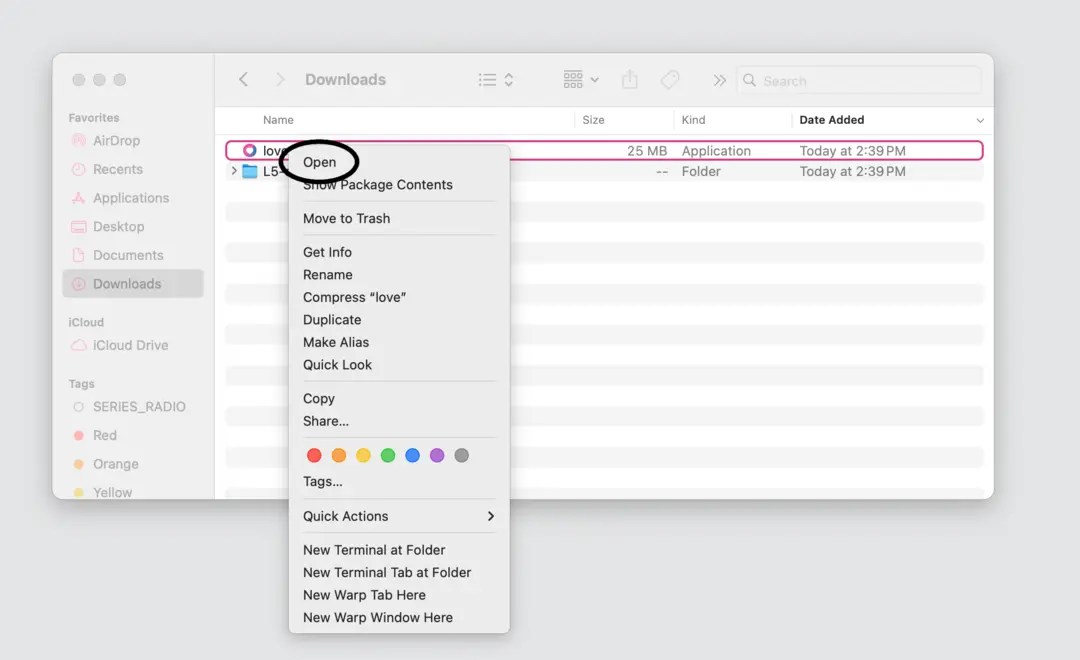
- Now on your desktop (called "Finder" on macOS) open up your Downloads folder. You can right click and choose Open (see screenshot) or double click on Love to launch it.
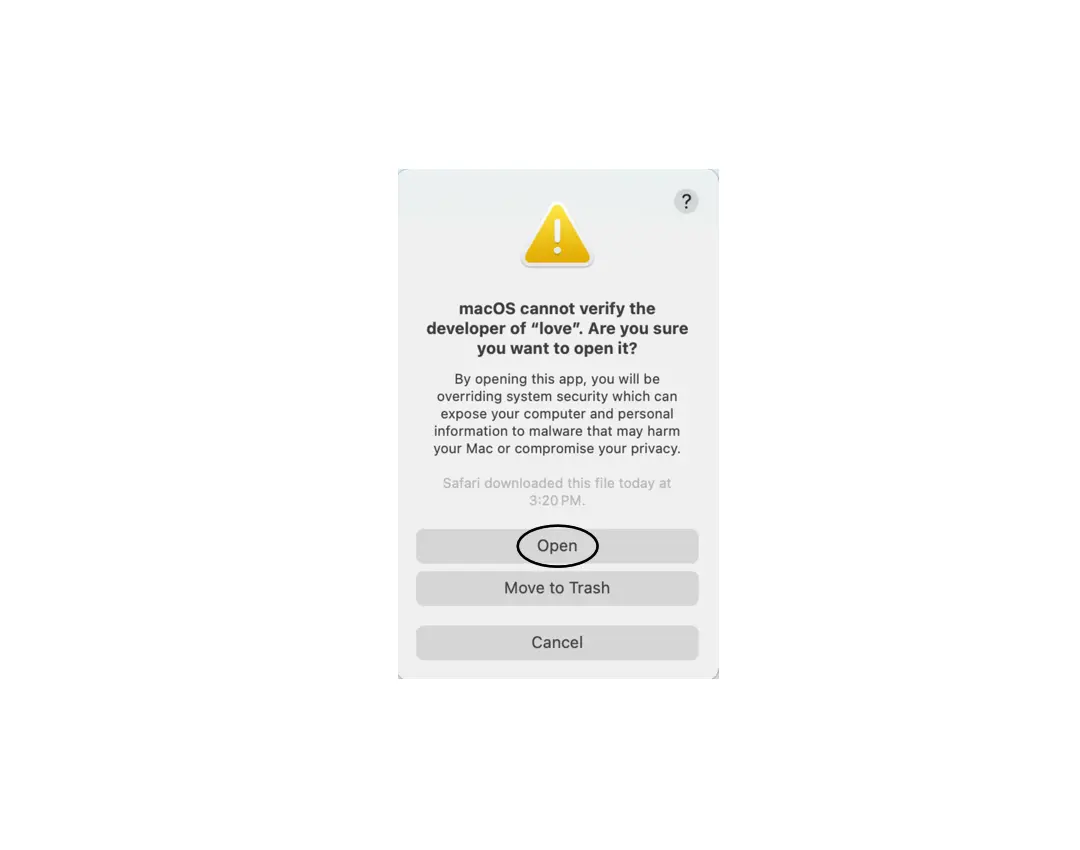
- A warning popup box opens to say the program and code is not verified by Apple. DO NOT move to the trash.
- Go to your computer's System Settings > Privacy & Security. Scroll down to the Security section and next to "love" was blocked to protect your Mac. choose Open Anyway.
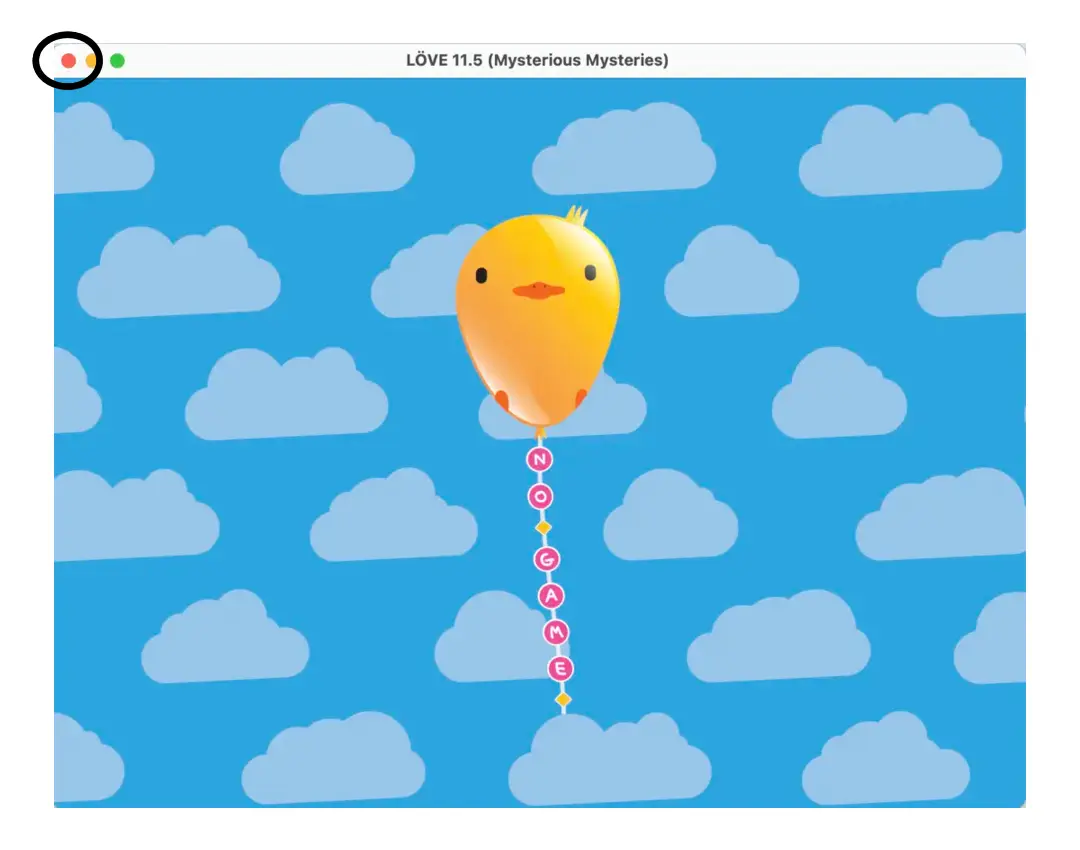
- Now go back to your Downloads folder and Double click on Love. We only need to do this once! It's to verify Love works on your computer, which will allow L5 to run your custom code. You should see a window open with a flying bird-shaped balloon and clouds, verifying that Love is now properly installed on your computer. At this point you can close the window. Usually on a Mac we place our applications into the Applications folder, so you may want to move it there.
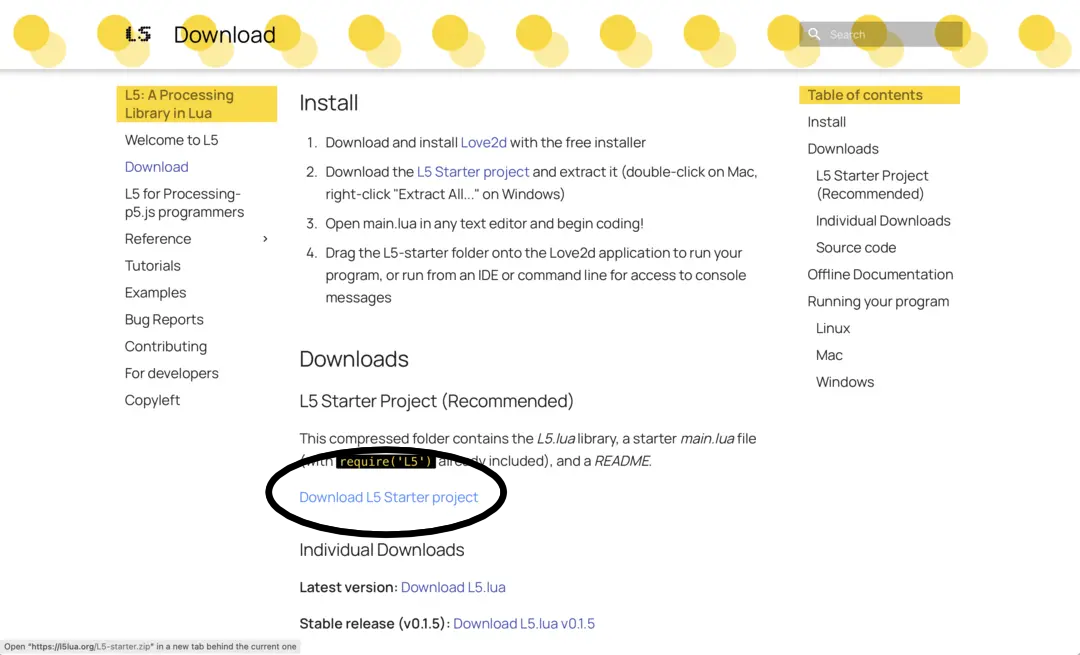
- From the L5lua.org Download page, download the L5 Starter project.
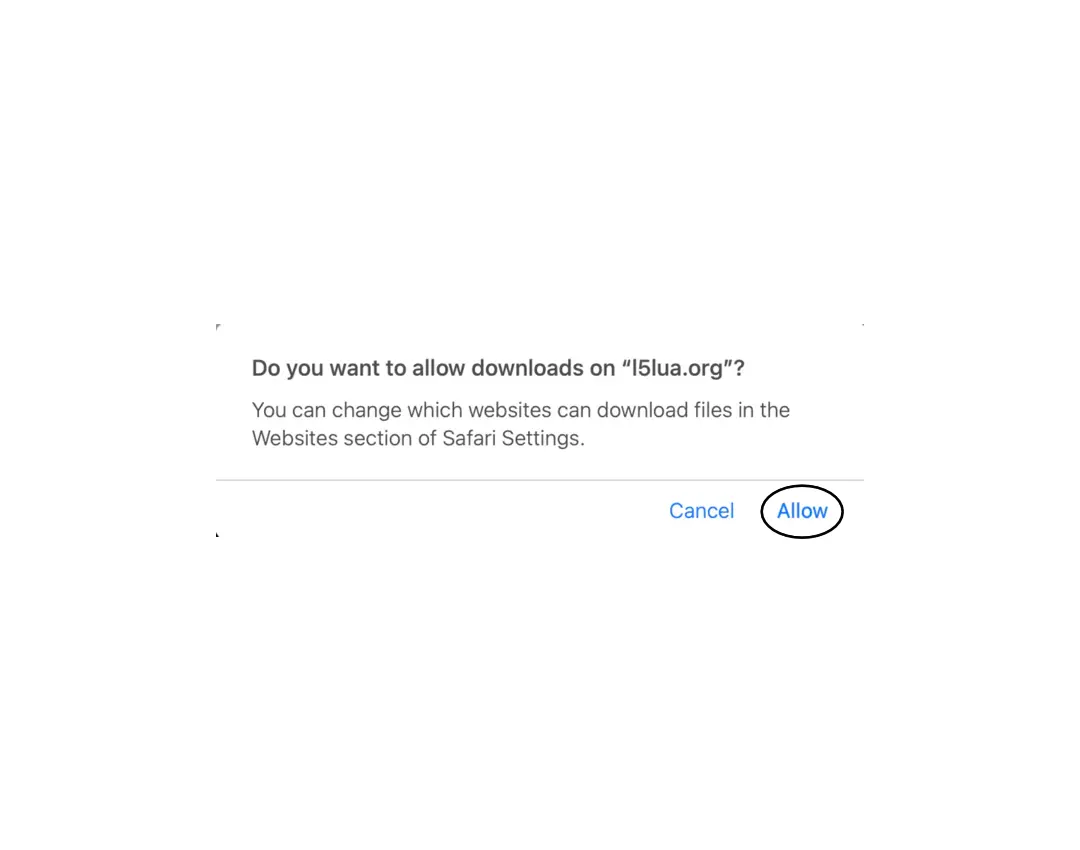
- Click "Allow" if it asks 'Do you want to allow downloads on "l5lua.org"?'
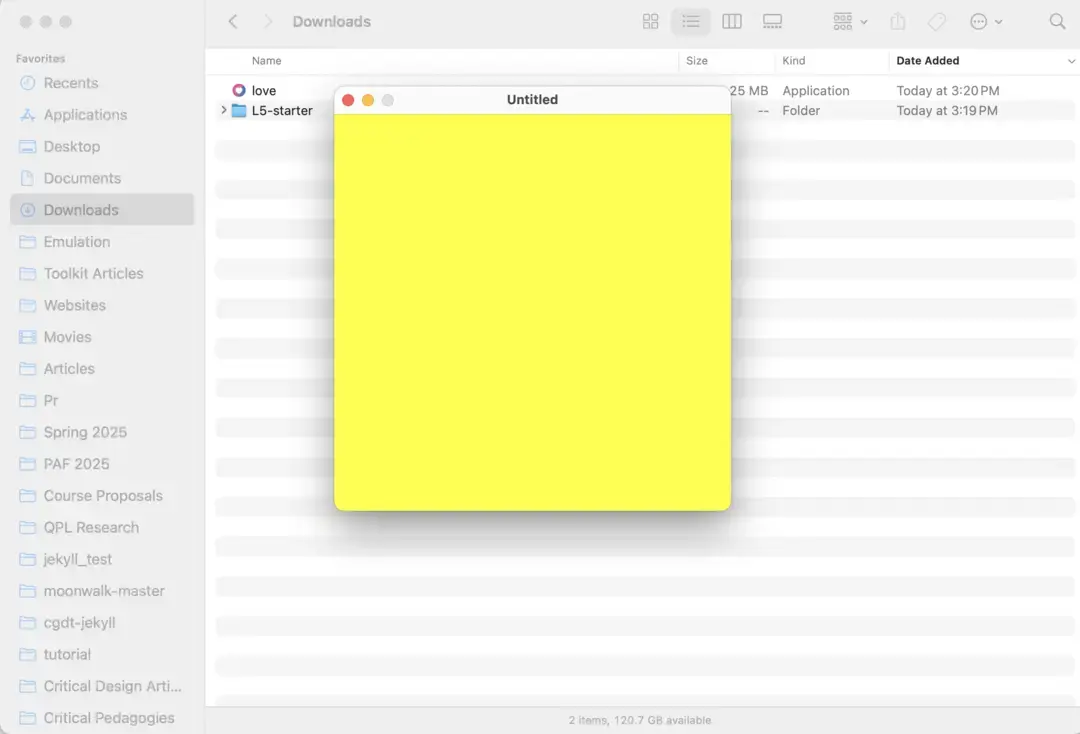
Congratulations! You've now installed Love and have the L5 Starter on your computer.
Next, see how to run your L5 programs.