For Loops
Previous tutorial: Input
You now know how to call functions, use variables, create variables and functions, use if statements, create animations, and get user input. This tutorial introduces for loops, which let you repeat code without writing it over and over!
Repetitive Code
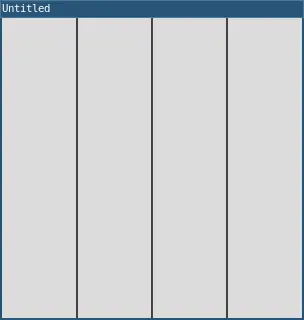
Let's say you want to draw three vertical lines:
require("L5")

function setup()
  size(300, 300)
end

function draw()
  background(220)
  line(75, 0, 75, height)
  line(150, 0, 150, height)
  line(225, 0, 225, height)
end
This works, but it's repetitive. What if you wanted to draw 10 lines? Or 100? Writing out each line would be annoying!
Patterns
Notice that the code follows a pattern: the x position starts at 75 and increases by 75 each time.
When you notice a pattern like this, you can use a for loop to repeat the pattern without writing the same code over and over.
For Loops
A for loop has four parts:
- Initialization: Create a variable and give it a starting value (based on the
startvalue) - Condition: Check if the loop should continue (based on the
stopvalue) - Body: The code to repeat
- Update: Change the variable after each repetition (based on the
stepvalue)
In Lua, the syntax is:
for variable = start, stop, step do
  -- code to repeat
end
Here's the line example using a for loop:
require("L5")

function setup()
  size(300, 300)
end

function draw()
  background(220)

  for lineX = 75, 225, 75 do
    line(lineX, 0, lineX, height)
  end
end
This does the same thing as the repetitive code above, but it's a bit shorter, and more importantly, it lets draw lots of lines if we want to.
Let's break it down:
lineX = 75- create a variablelineXand set it to75225- keep looping whilelineXis less than or equal to22575- after each loop, increaselineXby75- The body
line(lineX, 0, lineX, height)runs withlineXas75, then150, then225
More Lines
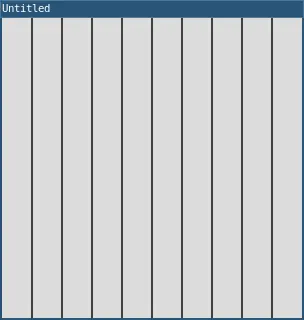
Now it's easy to draw more lines! Just change the stop value:
require("L5")

function setup()
  size(300, 300)
end

function draw()
  background(220)

  for lineX = 30, 270, 30 do
    line(lineX, 0, lineX, height)
  end
end
This draws a line every 30 pixels, from 30 to 270. That's 9 lines with just a few lines of code!
Index Variables
Sometimes it's easier to use an index variable that counts from 0 or 1:
require("L5")

function setup()
  size(300, 300)
end

function draw()
  background(220)

  for i = 0, 9 do
    lineX = 30 + (i * 30)
    line(lineX, 0, lineX, height)
  end
end
This counts from 0 to 9 (that's 10 times), and calculates lineX based on i.
Note: When you don't specify a step value, Lua uses 1 by default.
Nested Loops
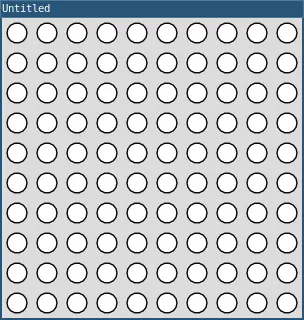
You can put loops inside other loops to create grids:
require("L5")

function setup()
  size(300, 300)
end

function draw()
  background(220)

  for x = 0, 9 do
    for y = 0, 9 do
      circleX = 15 + (x * 30)
      circleY = 15 + (y * 30)
      circle(circleX, circleY, 20)
    end
  end
end
The outer loop runs 10 times (x from 0 to 9). For each value of x, the inner loop runs 10 times (y from 0 to 9). This creates a 10×10 grid of circles!
Using Loops for Animation
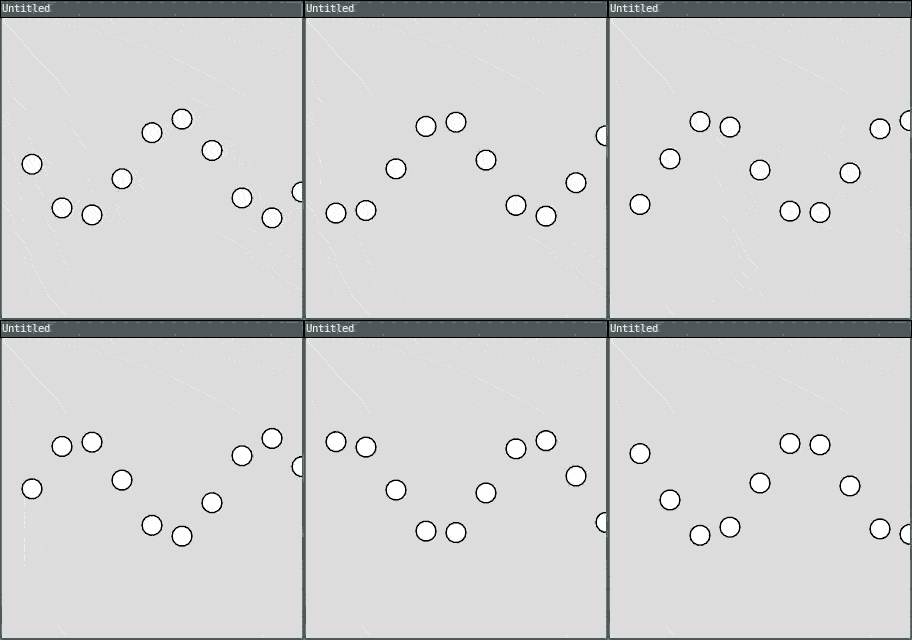
You can combine loops with variables to create interesting effects:
require("L5")

offset = 0

function setup()
  size(300, 300)
end

function draw()
  background(220)

  for i = 0, 9 do
    x = 30 + (i * 30)
    y = 150 + sin(offset + i) * 50
    circle(x, y, 20)
  end

  offset = offset + 0.1
end
This creates a wave pattern that animates! The sin() function creates the wave shape.
Random Patterns
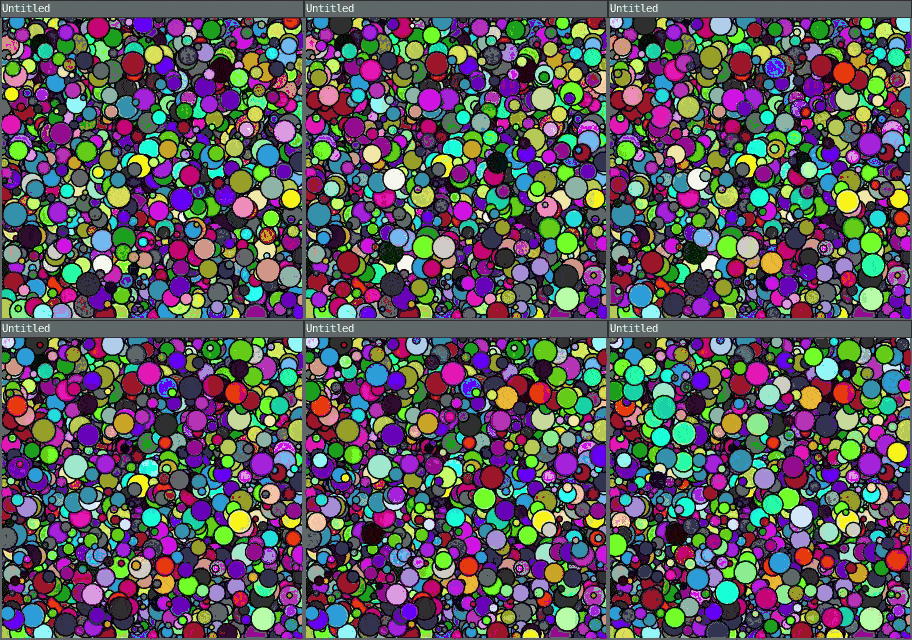
Combine loops with random() for interesting results:
require("L5")

function setup()
  size(300, 300)
  background(220)
end

function draw()
  for i = 1, 10 do
    x = random(width)
    y = random(height)
    size = random(5, 25)
    fill(random(255), random(255), random(255))
    circle(x, y, size)
  end
end
This draws 10 random circles every frame, creating a colorful animation.
Example: Gradient
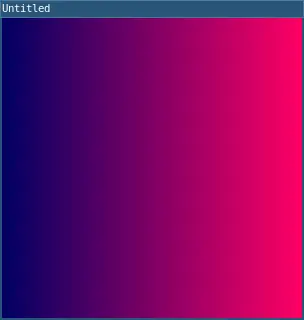
Here's a more complex example that creates a gradient:
require("L5")

function setup()
  size(300, 300)
end

function draw()
  for x = 0, width do
    -- Calculate color based on position
    redValue = (x / width) * 255
    fill(redValue, 0, 100)
    line(x, 0, x, height)
  end
end
This creates a gradient from dark to bright red across the screen.
Example: Grid of Squares
require("L5")

function setup()
  size(300, 300)
end

function draw()
  background(220)

  squareSize = 30

  for row = 0, 9 do
    for col = 0, 9 do
      x = col * squareSize
      y = row * squareSize

      -- Checkerboard pattern
      if (row + col) % 2 == 0 then
        fill(0)
      else
        fill(255)
      end

      rect(x, y, squareSize, squareSize)
    end
  end
end
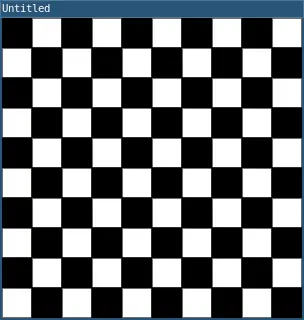
This creates a checkerboard pattern using nested loops and an if statement!
Practice
Before moving on to the next tutorial, practice using for loops!
Here are some ideas:
- Draw a row of circles that gradually change color
- Create a grid of squares where each one is a random color
- Draw concentric circles (circles inside circles) using a loop
- Create a "spiral" effect by changing both position and size in a loop
- Draw a graph or bar chart using rectangles in a loop
- Make an animation where shapes move in a wave pattern
- Create a "target" with alternating colored rings
Next tutorial: Arrays (ordered tables)
This tutorial is adapted from For Loops by Happy Coding, licensed under CC BY 4.0.