Drawing Lines
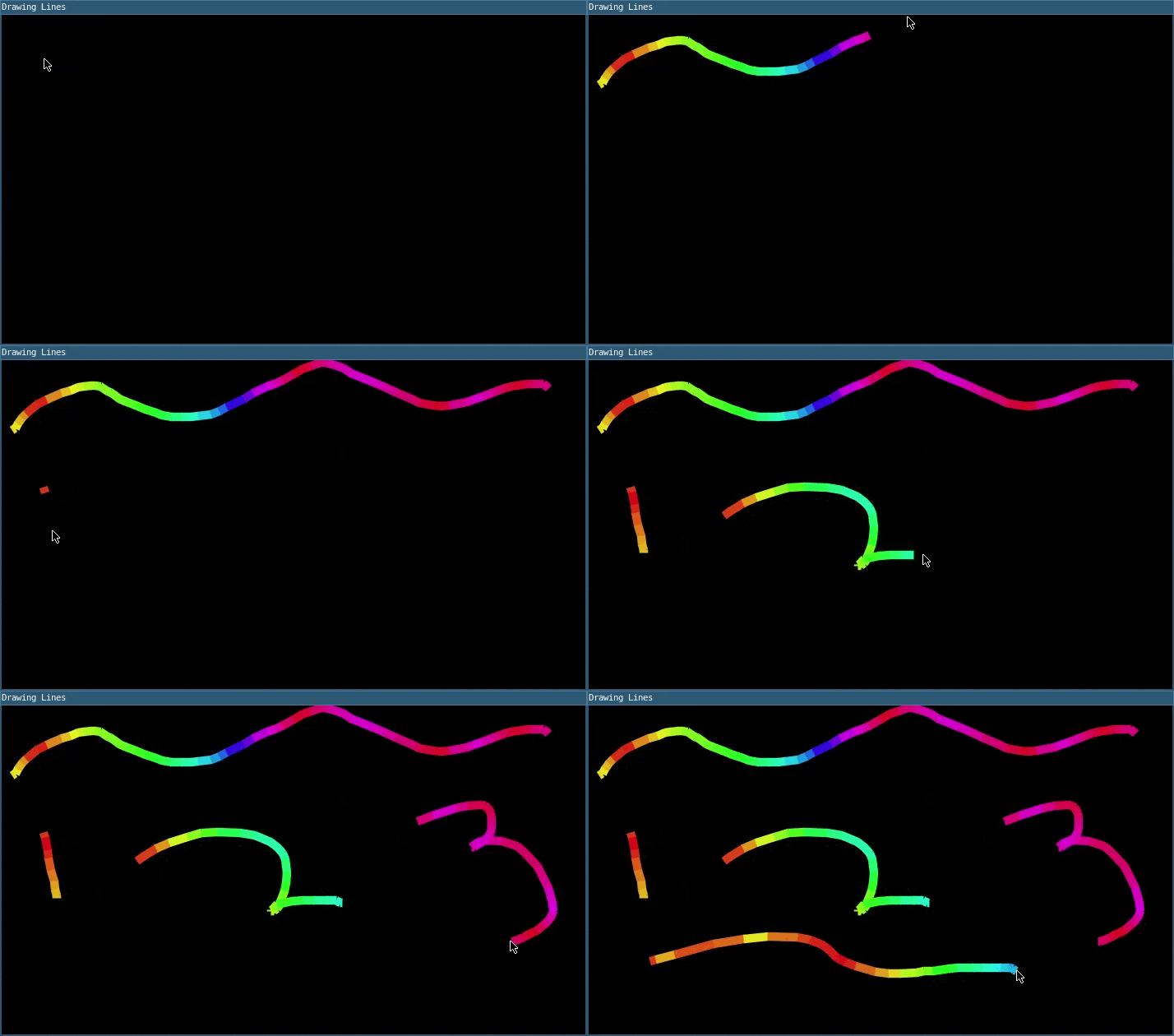
Click and drag the mouse to draw a line.
This example demonstrates the use of several built-in variables. mouseX and mouseY store the current mouse position, while the previous mouse position is represented by pmouseX and pmouseY.
This example also shows the use of colorMode() with HSB (hue-saturation-brightness), so that the first variable sets the hue.
require("L5")

function setup()
  -- Set the title
  windowTitle('Drawing Lines')

  -- Create the canvas
  size(710, 400)

  -- Set background to black
  background(0)

  -- Set width of the lines
  strokeWeight(10)

  -- Set color mode to hue-saturation-brightness (HSB)
  colorMode(HSB)

  -- Set screen reader accessible description
  describe('A blank canvas where the user draws by dragging the mouse')
end

function mouseDragged()
  -- Set the color based on the mouse position, and draw a line
  -- from the previous position to the current position
  local lineHue = mouseX - mouseY
  stroke(lineHue, 90, 90)
  line(pmouseX, pmouseY, mouseX, mouseY)
end
Related Examples
- Doodle Draw - A basic drawing program tracking mouse movements
- Animation with Events - Pause and resume animation.
- Conditions - Use if and else statements to make decisions while your sketch runs.
Drawing Lines: Revised by Darren Kessner. Edited and maintained by p5.js Contributors and Processing Foundation. Adapted to L5 2025. Licensed under CC BY-NC-SA 4.0.