Basic Pong
This is a simple implementation of Pong in L5 with table-based game objects, mouse input, minimal "AI" opponent, collision detection and basic game loop.
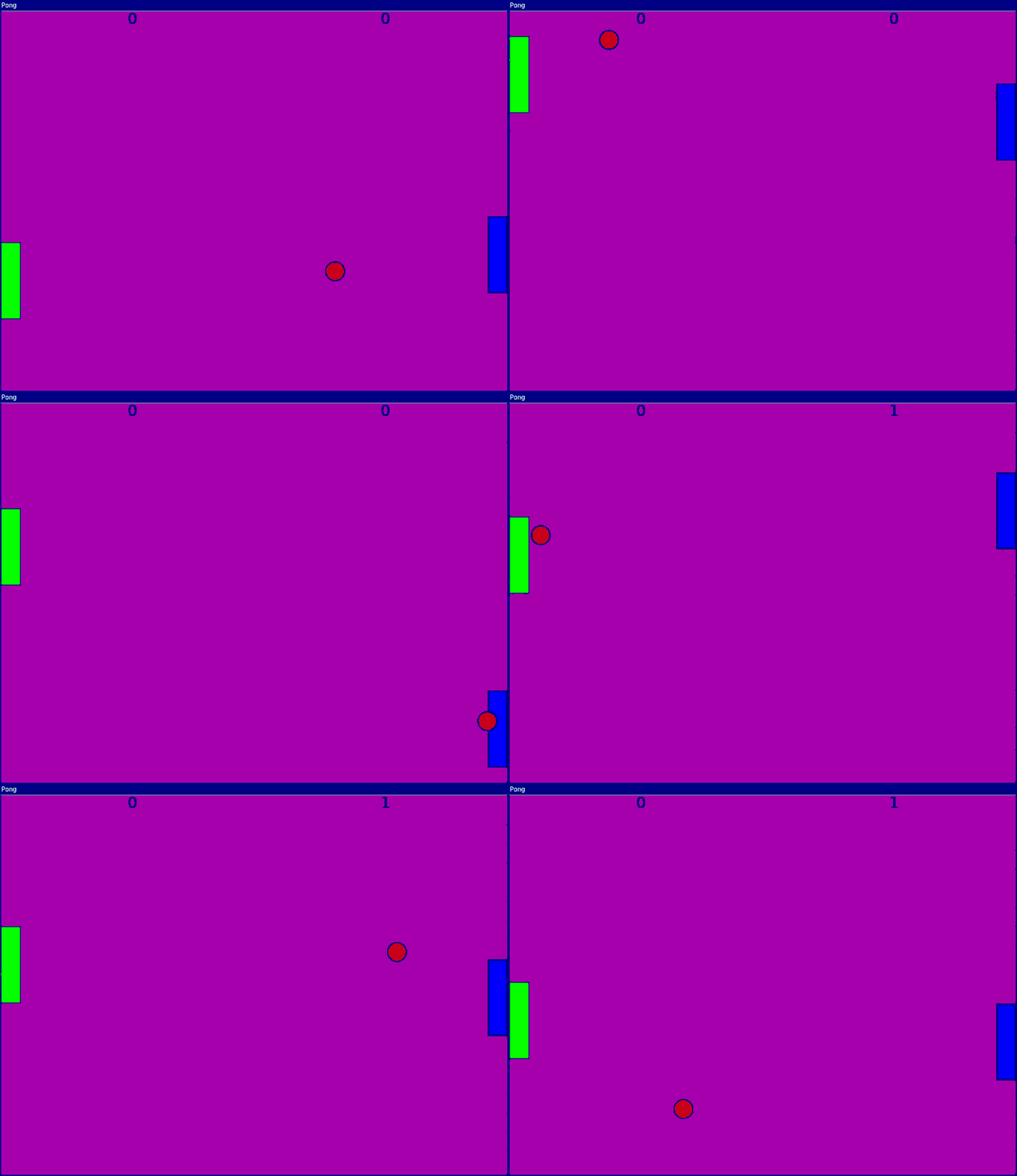
require("L5")

function setup()
  size(800,600)
  windowTitle("Pong")
  rectMode(CENTER)

  -- Global variables
  p1 = { -- Player 1 (left, controlled by mouse)
    x = 15,
    y = height/2,
    w = 30,
    h = 120,
    score = 0
  }

  p2 = { -- Player 2 (right, AI controlled)
    x = width-15,
    y = height/2,
    w = 30,
    h = 120,
    score = 0,
    yspeed = 5
  }

  b = { -- The ball
    x = width/2,
    y = height/2,
    w = 30,
    h = 30,
    xspeed = random(3,10),
    yspeed = random(3,10)
  }

  noCursor()

  describe("A game of Pong between a human and computer AI player.")
end

function draw()
  background(180,0,180)

  -- Left player (P1)
  fill(0,255,0)
  rect(p1.x, p1.y, p1.w, p1.h)

  -- Right player (P2)
  fill(0,0,255)
  rect(p2.x, p2.y, p2.w, p2.h)

  -- Ball
  fill(200,0,0)
  ellipse(b.x, b.y, b.w, b.h)

  -- Scores
  fill(0)
  textSize(24)
  text(p1.score, width/4, 20)
  text(p2.score, 3/4*width, 20)

  -- Player movement
  p1.y = mouseY

  -- AI movement (simple - just follows ball)
  if b.y < p2.y then
    p2.y = p2.y - p2.yspeed
  else
    p2.y = p2.y + p2.yspeed
  end

  -- Ball movement
  b.x = b.x + b.xspeed
  b.y = b.y + b.yspeed

  -- Wall collision (top/bottom)
  if b.y > height or b.y < 0 then
    b.yspeed = b.yspeed * -1
  end

  -- Scoring (checking for wall collisions)
  if b.x < 0 then
    p2.score = p2.score + 1
    resetBall()
  end

  if b.x > width then
    p1.score = p1.score + 1
    resetBall()
  end

  -- Paddle collision
  -- Player 1 (left)
  if b.x < p1.x + p1.w/2 and
     b.y < p1.y + p1.h/2 and
     b.y > p1.y - p1.h/2 then
    b.x = b.x + 10
    b.xspeed = b.xspeed * -1
  end

  -- Player 2 (right)
  if b.x > p2.x - p2.w/2 and
     b.y > p2.y - p2.h/2 and
     b.y < p2.y + p2.h/2 then
    b.x = b.x - 10
    b.xspeed = b.xspeed * -1
  end
end

function resetBall()
  b.x = width/2
  b.y = height/2
  -- Random direction
  b.xspeed = random(3,10) * (random() > 0.5 and 1 or -1)
  b.yspeed = random(3,10) * (random() > 0.5 and 1 or -1)
end
Related References
Related Examples
- 10Print - An implementation of the classic maze-drawing algorithm
- Animation with Events - Pause and resume animation.
- Conditions - Use if and else statements to make decisions while your sketch runs.