Image Transparency
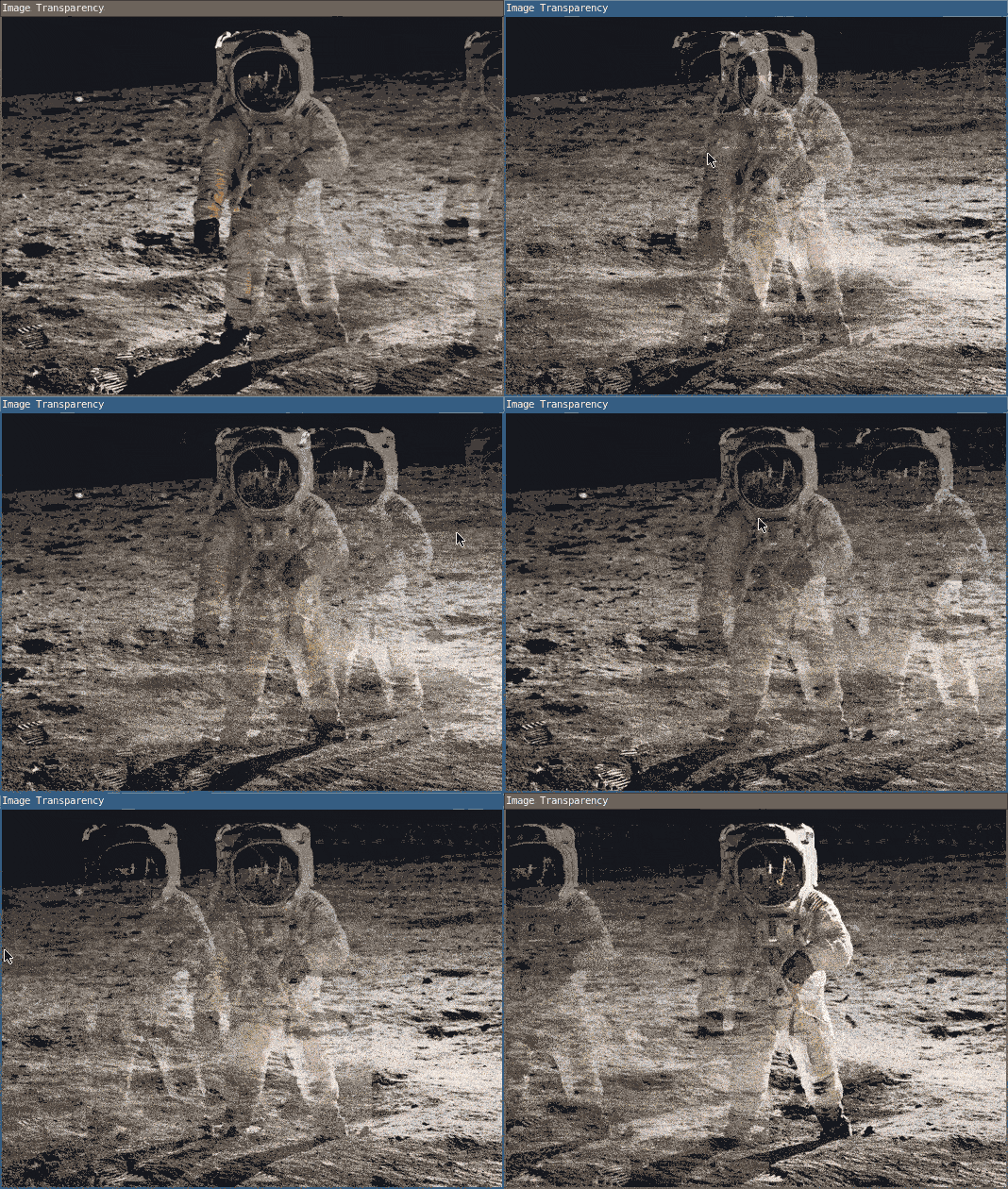
This program overlays one image over another by modifying the alpha value of the image with the tint() function. Move the cursor left and right across the canvas to change the image’s position.
require("L5")

-- Define the global variables: img, offset, and easing.
-- Set offset to 0 and easing to 0.05 for moving the
-- transparent image with the cursor position.
local img
local offset = 0
local easing = 0.05

function setup()
  size(530, 400)

  windowTitle('Image Transparency')
  describe(
    "An astronaut on a planet as the background with a slightly transparent version of this image on top that moves with the horizontal direction of the user's mouse."
  )

  -- Load the bottom image from the canvas's assets directory.
  img = loadImage('assets/astronaut.jpg')
end

function draw()
  -- Display the bottom image at full opacity.
  tint(255, 255)
  image(img, 0, 0)

  -- Define dx as the rate at which the top image
  -- moves with the cursor. The offset variable
  -- delays the movement of the image.
  local dx = mouseX - width / 2 - offset
  offset = offset + dx * easing

  -- Display the top image at half opacity.
  tint(255, 127)
  image(img, offset, 0)
end
Related References
Related Examples
- Words - Load fonts and draw text.
- Copy Image Data - Paint from an image file onto the canvas.
- Image Transparency - Make an image translucent on the canvas.
- Video Player - Create a player for video playback and stylize in the window
Image Transparency: Revised by Kasey Lichtlyter. Edited and maintained by p5.js Contributors and Processing Foundation. Adapted to L5 2025. Licensed under CC BY-NC-SA 4.0. Photo by Buzz Aldrin courtesy NASA.