Video Player
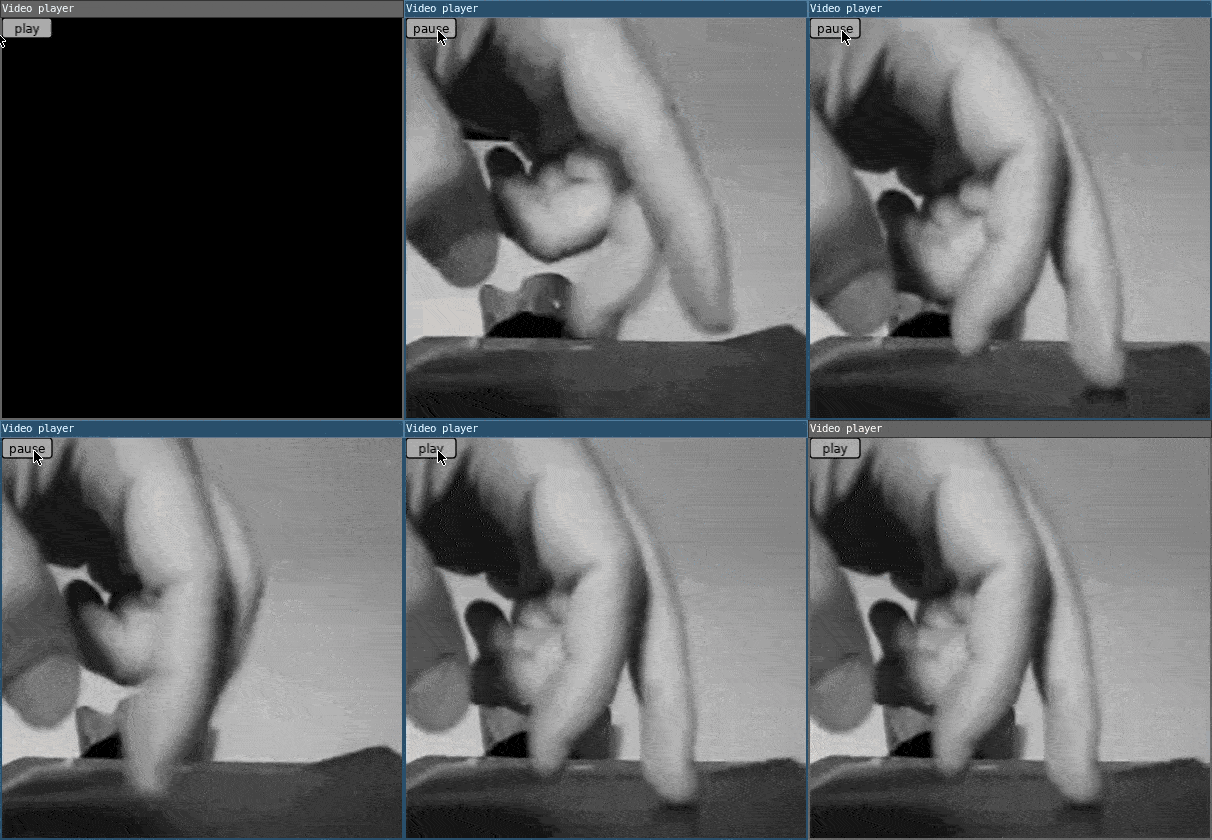
Using the loadVideo() functions, you can upload a video and play it within the window using image().
require("L5")

-- Create the global variables: playing, video, and buttonText.
-- Set playing to false so the video loads in as paused.
local playing = false
local video
local buttonText = 'play'

function setup()
  size(400,400)
  windowTitle('Video player')

  -- for styling our button
  textAlign(CENTER, CENTER)

  -- Upload the video in the assets directory, and
  -- use the loadVideo() function to load in the video to the code.
  video = loadVideo('assets/fingers.ogv')
end

function draw()
  image(video, 0, 0, width, height)

  fill(170)
  rect(0,0,50,20,3)

  fill(0)
  text(buttonText,25,10)

  -- apply grayscale filter
  filter(GRAY)
end

function mousePressed()

  -- check we're clicking on the button
  if mouseX < 50 and mouseY < 20 then
    -- If the video is playing, pause the video with
    -- the pause() method and make the button's text say 'play.'
    if playing == true then
      video:pause()
      buttonText = 'play'

      -- If the video is paused, play the video with
      -- the loop() method and make the button's text say 'pause.'
    else
      video:loop()
      buttonText = 'pause'
    end

    -- Once the video playing status has been toggled,
    -- switch playing to the opposite boolean value.
    playing = not playing
  end
end
Related References
Related Examples
- Words - Load fonts and draw text.
- Copy Image Data - Paint from an image file onto the canvas.
- Image Transparency - Make an image translucent on the canvas.
- Video Player - Create a player for video playback and stylize in the window
Video Player: Revised by Kasey Lichtlyter. Edited and maintained by p5.js Contributors and Processing Foundation. Adapted for L5 2025. Licensed under CC BY-NC-SA 4.0.