Keyboard Functions
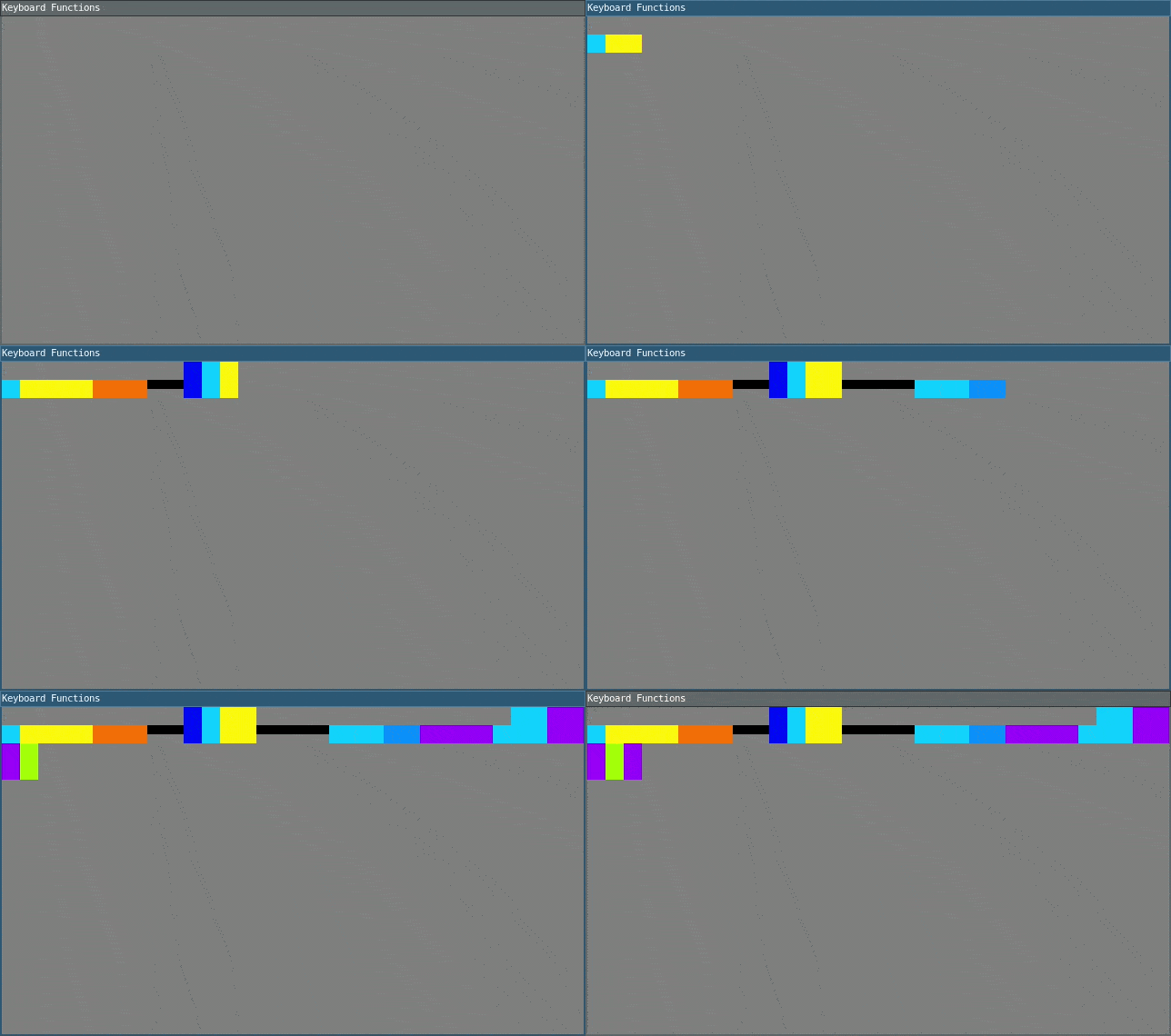
Click on the window to give it focus and press the letter keys to type colors. The keyboard function keyPressed() is called whenever a key is pressed. keyReleased() is another keyboard function that is called when a key is released. Original 'Color Typewriter' concept by John Maeda.
require("L5")
local maxHeight = 40
local minHeight = 20
local letterHeight = maxHeight -- height of letters
local letterWidth = 20         -- width of letters
local x = -letterWidth         -- x position of letters
local y = 0                    -- y position of letters
local newletter = false
local numChars = 26
local colors = {}

function setup()
  size(640, 360)
  windowTitle("Keyboard Functions")
  describe("Press letter keys to create forms in time and space")
  noStroke()
  colorMode(HSB, numChars)
  background(numChars / 2)
  -- Set a hue value for each key
  for i = 0, numChars - 1 do
    colors[i] = color(i, numChars, numChars)
  end
end

function draw()
  if newletter == true then
    -- Draw the "letter"
    local y_pos
    if letterHeight == maxHeight then
      y_pos = y
      rect(x, y_pos, letterWidth, letterHeight)
    else
      y_pos = y + minHeight
      rect(x, y_pos, letterWidth, letterHeight)
      fill(numChars / 2)
      rect(x, y_pos - minHeight, letterWidth, letterHeight)
    end
    newletter = false
  end
end

function keyPressed()
  local alphabet = "ABCDEFGHIJKLMNOPQRSTUVWXYZ"

  -- Check if it's a letter
  if string.match(key, "^[a-z]$") then
    local keyIndex = string.find(alphabet, string.upper(key)) - 1

    -- Check if shift is held down
    if love.keyboard.isDown('lshift') or love.keyboard.isDown('rshift') then
      -- Uppercase (shift held)
      letterHeight = maxHeight
      fill(colors[keyIndex])
    else
      -- Lowercase (no shift)
      letterHeight = minHeight
      fill(colors[keyIndex])
    end
  else
    fill(0)
    letterHeight = 10
  end

  newletter = true

  -- Update the "letter" position
  x = x + letterWidth
  -- Wrap horizontally
  if x > width - letterWidth then
    x = 0
    y = y + maxHeight
  end
  -- Wrap vertically
  if y > height - letterHeight then
    y = 0
  end
end
Related Examples
Adapted from Processing examples. Adapted to L5 2025. Licensed under CC BY-NC-SA 4.0.