Keyboard
Click on the image to give it focus and press the letter keys to create forms in time and space. Each key has a unique identifying number. These numbers can be used to position shapes in space.
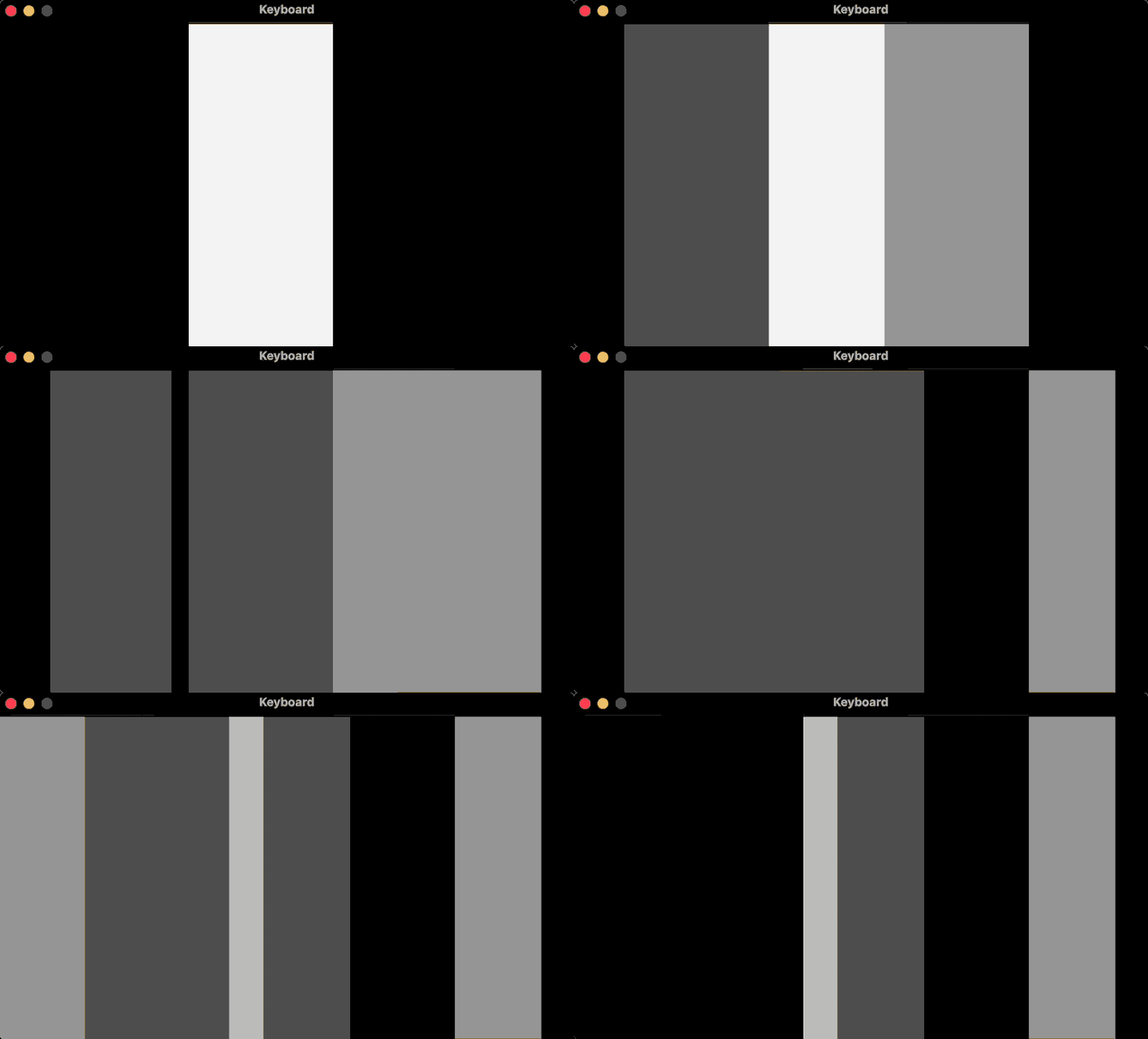
require("L5")

function setup()
  size(640, 360)
  windowTitle("Keyboard")
  describe("Press letter keys to create forms in time and space")
  noStroke()
  background(0)
  rectWidth = width / 4
end

function keyPressed()
  local keyIndex = -1
  local alphabet = "abcdefghijklmnopqrstuvwxyz"
  local upperAlphabet = "ABCDEFGHIJKLMNOPQRSTUVWXYZ"

  -- Check if it's a letter and get its index
  local upperPos = string.find(upperAlphabet, key)
  local lowerPos = string.find(alphabet, key)

  if upperPos then
    keyIndex = upperPos - 1
  elseif lowerPos then
    keyIndex = lowerPos - 1
  end

  if keyIndex == -1 then
    -- If it's not a letter key, clear the screen
    background(0)
  else
    -- It's a letter key, fill a rectangle
    fill(millis() % 255)
    local x = map(keyIndex, 0, 25, 0, width - rectWidth)
    rect(x, 0, rectWidth, height)
  end
end
Related Examples
Adapted from Processing examples. Adapted to L5 2025. Licensed under CC BY-NC-SA 4.0.