Mouse Functions
Click on the box and drag it across the screen.
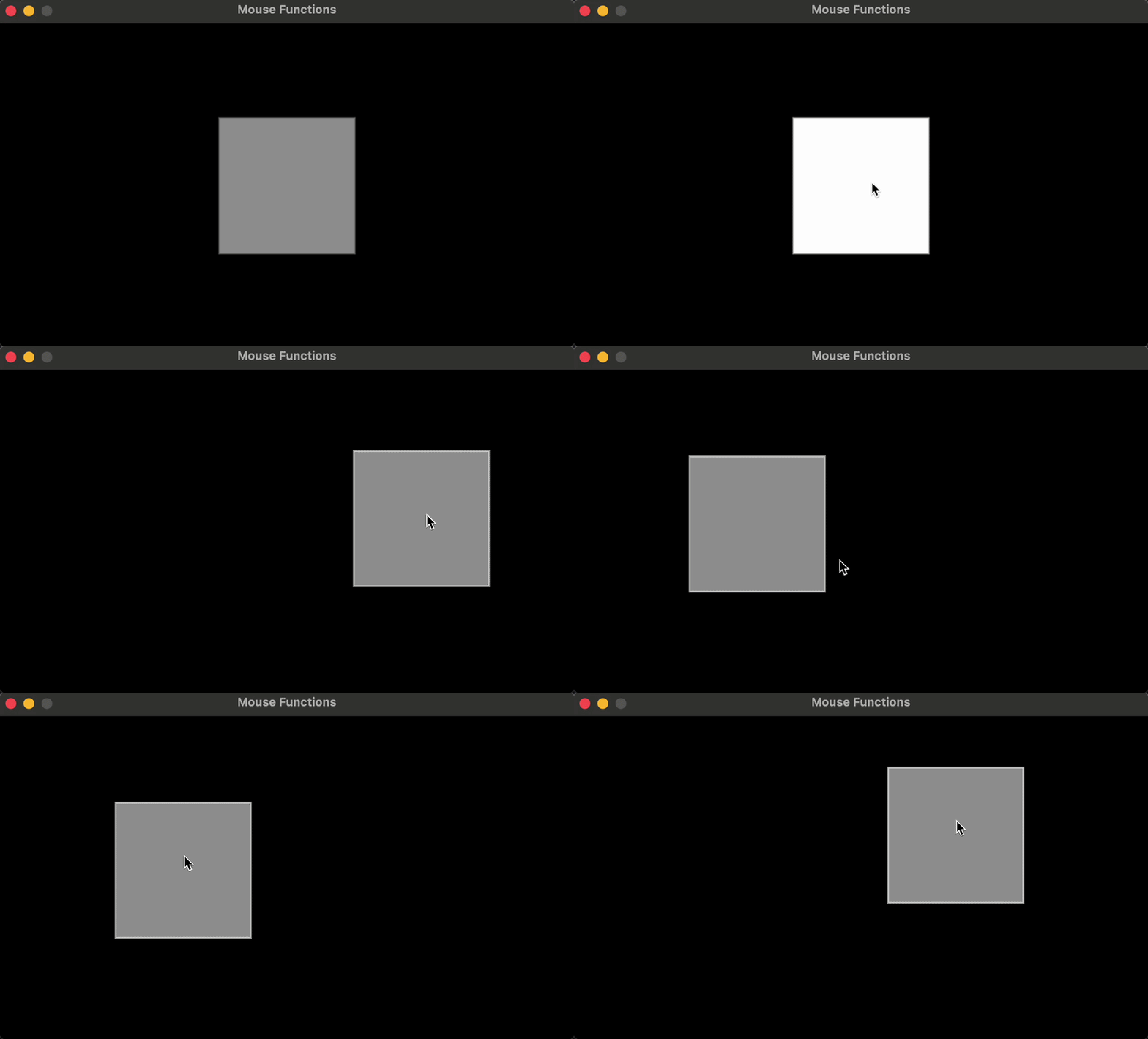
require("L5")

local bx = 0
local by = 0
local boxSize = 75
local overbox = false
local locked = false
local xOffset = 0.0
local yOffset = 0.0

function setup()
    size(640, 360)
    windowTitle("Mouse Functions")
    describe("Click on the box and drag it across the screen.")

    noStroke()
    rectMode(RADIUS)

    bx = width / 2
    by = height / 2
    boxSize = 75
    overbox = false
    locked = false
    xOffset = 0
    yOffset = 0
end

function draw()
  background(0)

  -- Test if the cursor is over the box
  if ((mouseX > bx - boxSize and mouseX < bx + boxSize) and (mouseY > by - boxSize and mouseY < by + boxSize)) then
    overbox = true
    if (not locked) then
      stroke(255)
      fill(153)
    end

  else
    stroke(153)
    fill(153)
    overbox = false
  end

  -- draw the box
  rect(bx, by, boxSize, boxSize)
end

function mousePressed()
  if (overbox) then
    locked = true
    fill(255, 255, 255)
  else
    locked = false
  end
  xOffset = mouseX - bx
  yOffset = mouseY - by
end

function mouseDragged()
  if (locked) then
    bx = mouseX - xOffset
    by = mouseY - yOffset
  end
end

function mouseReleased()
  locked = false
end
Related Examples
Adapted from Processing examples. Adapted to L5 2025. Licensed under CC BY-NC-SA 4.0.